You won't be left alone after you subscribe
AtoZ Dispatch support is one-to-one, with real people, on Google Meet, WhatsApp, phone, and email. The team that sets up your account is the team you call when something goes wrong.
What support do AtoZ Dispatch customers get?
Every AtoZ Dispatch customer gets training, onboarding, and migration assistance as part of their subscription, handled by AtoZ's own team, not a bot. After go-live, customers reach the same team by Google Meet screen-share sessions, WhatsApp, phone, email, or support ticket, depending on their plan.
The question most owners ask before they sign up
“What happens after I pay?” It's a fair thing to ask. Plenty of software companies are quick on the phone before the sale and hard to reach after it. If something in your dispatch system stops working on a busy day, you're losing bookings, and a help article won't fix that.
So here is exactly how to reach us, and what happens in your first weeks as a customer.
How to contact AtoZ Dispatch support
Google Meet
A one-to-one screen-share session. We go through your account with you: rates, zones, drivers, whatever you're stuck on.
Request a sessionWhatsApp call or message
Quick questions from your phone, between trips. Send a screenshot of what you're seeing and we'll tell you what to tap.
+1 (302) 499-1612Phone
When you'd rather talk it through with a person right now.
+1 (866) 428-0245Email
Anything that needs detail or attachments: rate sheets, driver lists, a change you want made.
[email protected]Support ticket
Log a request and track it until it's done, so nothing gets lost in a chat thread.
Create a ticket
Which channels come with which plan, and extras such as a dedicated account manager, are listed on the pricing page. Prefer to look something up yourself first? The Help Center and Getting Started guide cover the common tasks.
What happens after you subscribe
- 1
Your account gets set up with you
Your free trial starts after a demo, so your account is configured properly before you use it, not left empty for you to work out.
- 2
We move your data over
Migration assistance is on every plan. Drivers, vehicles, customers, and bookings come across from your old system or spreadsheet.
- 3
One-to-one training
Onboarding is done with you and your dispatcher, step by step, until you're both comfortable taking bookings.
- 4
A WhatsApp group for your account
During setup we create a WhatsApp group for your business, so questions go straight to the people who know your account.
- 5
The same team after go-live
Support doesn't end when you go live. You keep reaching real people through the channels above.
Switching from another system? See how Migration Assist moves your data.
Help with every part of the platform
Support covers the whole system, not just logging in: the dispatch console, your booking website and booking links, the driver and passenger apps, your fares and zones, and your branding. That includes the newer setups too, like adding team chauffeurs or sharing your subscription with other operators.
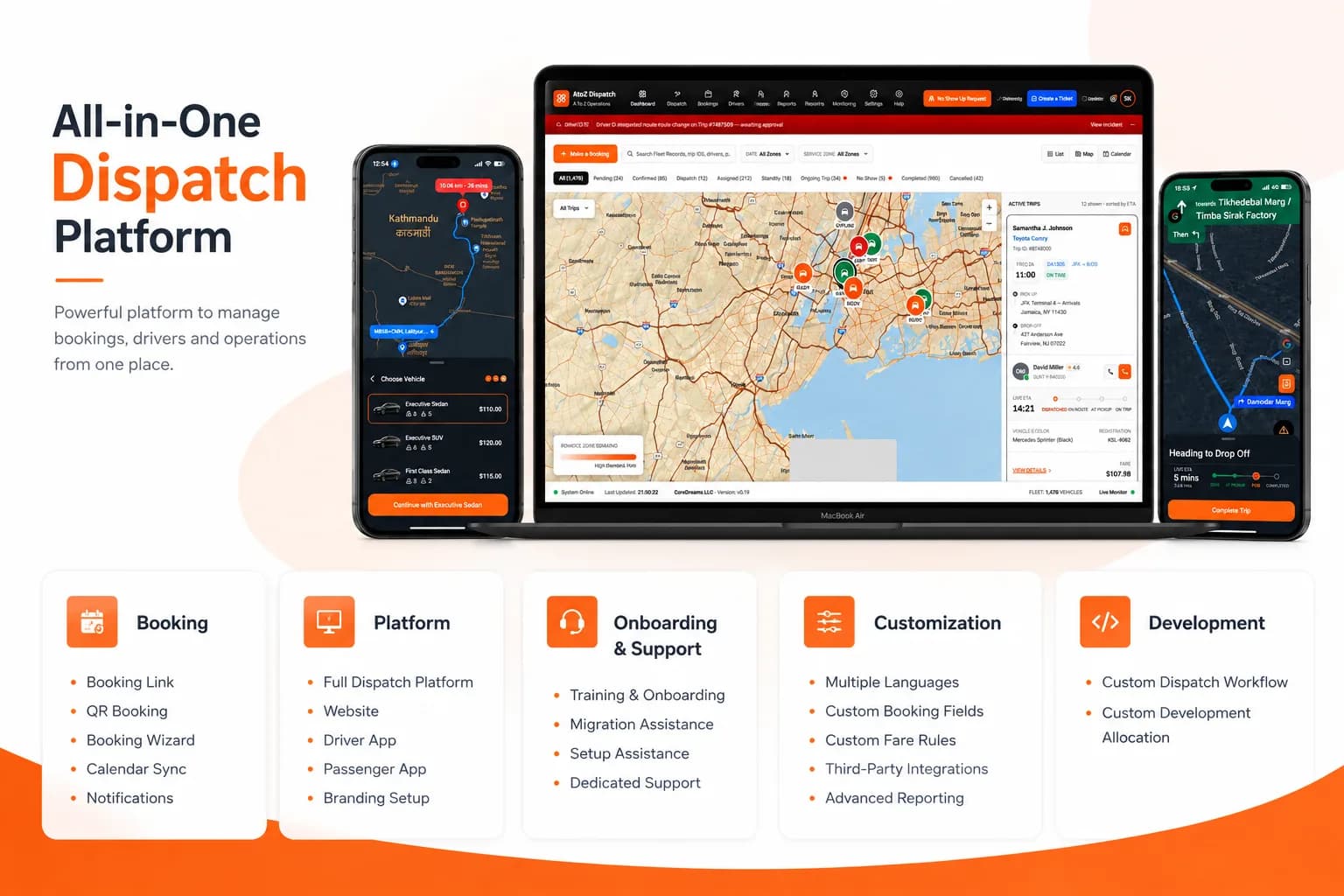
Sample screens. Features vary by plan.
Questions about support after you subscribe
Yes. Support doesn't stop when the demo ends. Every AtoZ Dispatch customer gets training, onboarding, and migration assistance, and after go-live you keep reaching the same team by email, ticket, Google Meet, WhatsApp, or phone, depending on your plan.
A real person. AtoZ support is handled by our own team, the same people who set up and migrate customer accounts. You can reach us by phone at +1 (866) 428-0245 or email [email protected].
Yes. We do one-to-one Google Meet sessions where we share the screen and go through your account with you — setting up rates, adding drivers, or fixing whatever is getting in your way. Ask for a session by email, ticket, or WhatsApp.
Yes. You can message or call the AtoZ team on WhatsApp at +1 (302) 499-1612. During setup we also create a WhatsApp group for your account so questions go straight to the people working on it.
Support is part of your AtoZ Dispatch subscription, along with training, onboarding, and migration assistance. The pricing page lists which contact channels and extras, such as a dedicated account manager, come with each plan.
Yes. Migration assistance is included on every plan. We move your drivers, vehicles, customers, and bookings over from systems like Limo Anywhere, Moovs, or a spreadsheet, so you don't have to re-enter everything by hand.
Most AtoZ customers aren't technical — they run transportation businesses. Onboarding is done with you, step by step, and if something doesn't make sense later, you can book another Google Meet session instead of figuring it out alone.
Meet the team that will support you.
Book a demo. The people you talk to are the people who set up your account and answer when you call.