A to Z Dispatch Training & Video Guides
We don't just hand you software and leave you to figure it out. From 1-on-1 team onboarding sessions to on-demand video tutorials, we ensure your dispatchers, drivers, and managers run at full speed.
Step-by-Step Video Walkthroughs
Watch short, focused tutorials covering daily dispatch operations, driver app workflows, rate management, and custom booking configurations.

Add and Approve Drivers in AtoZ Dispatch
2026-06-10 12:22
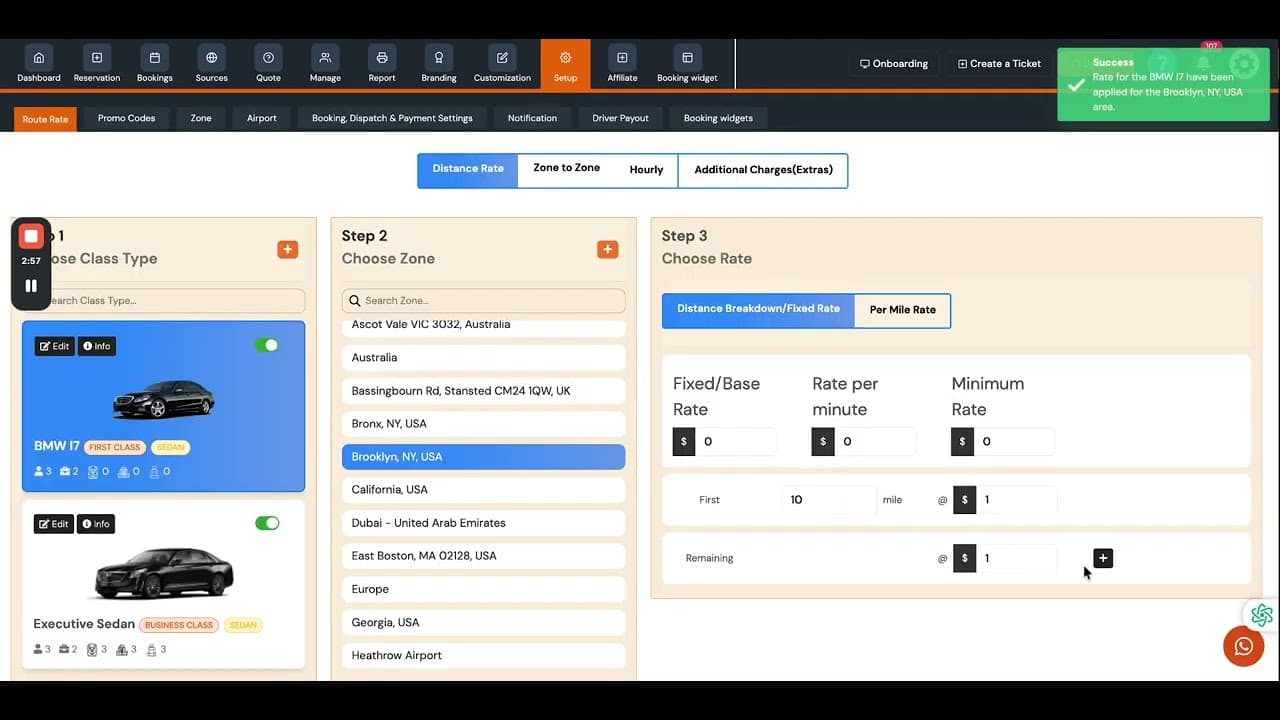
Geofencing & Route Rates Setup
2026-06-10 12:11
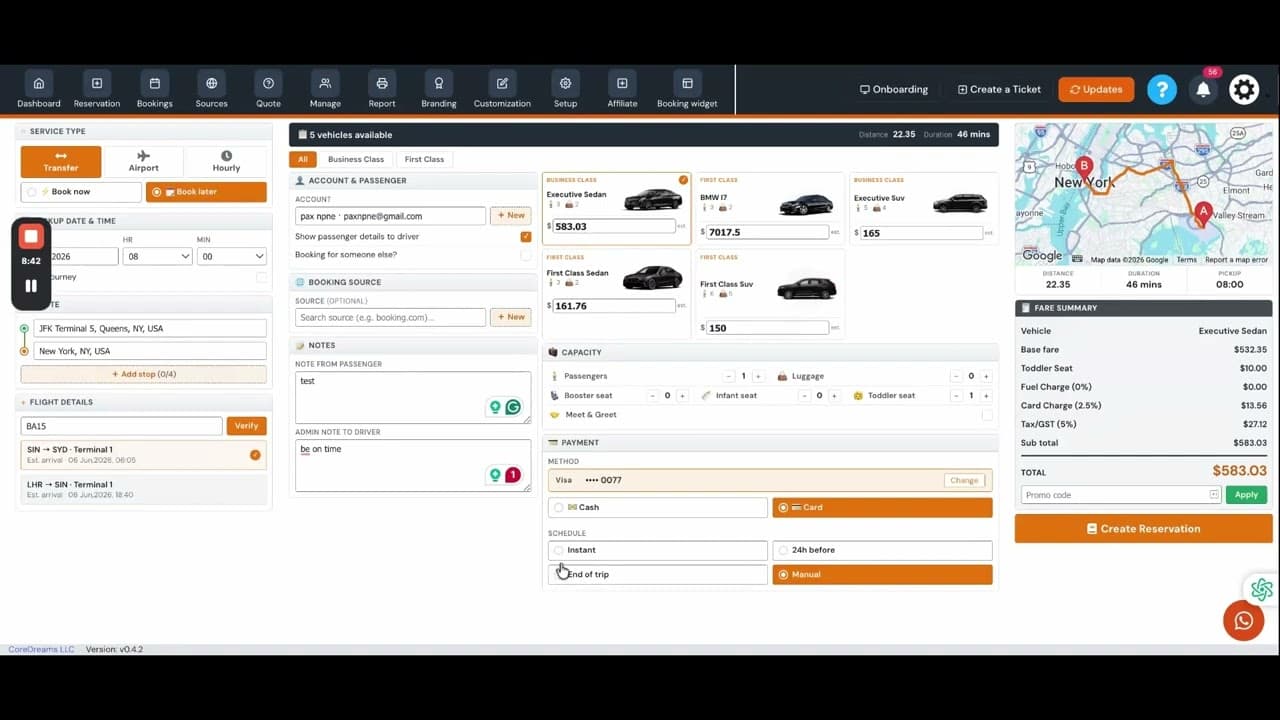
Admin create bookings and booking Source
2026-06-07 06:55
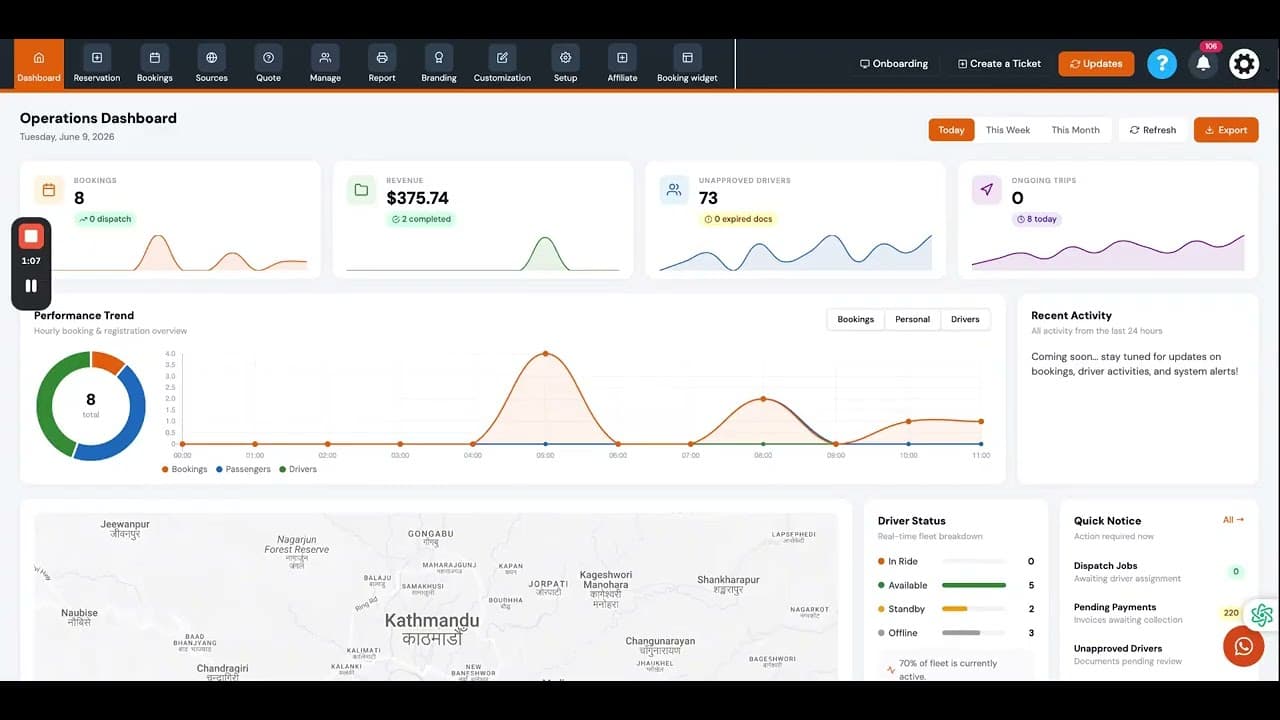
On-Demand Booking, dispatch and setup
2026-06-07 06:48
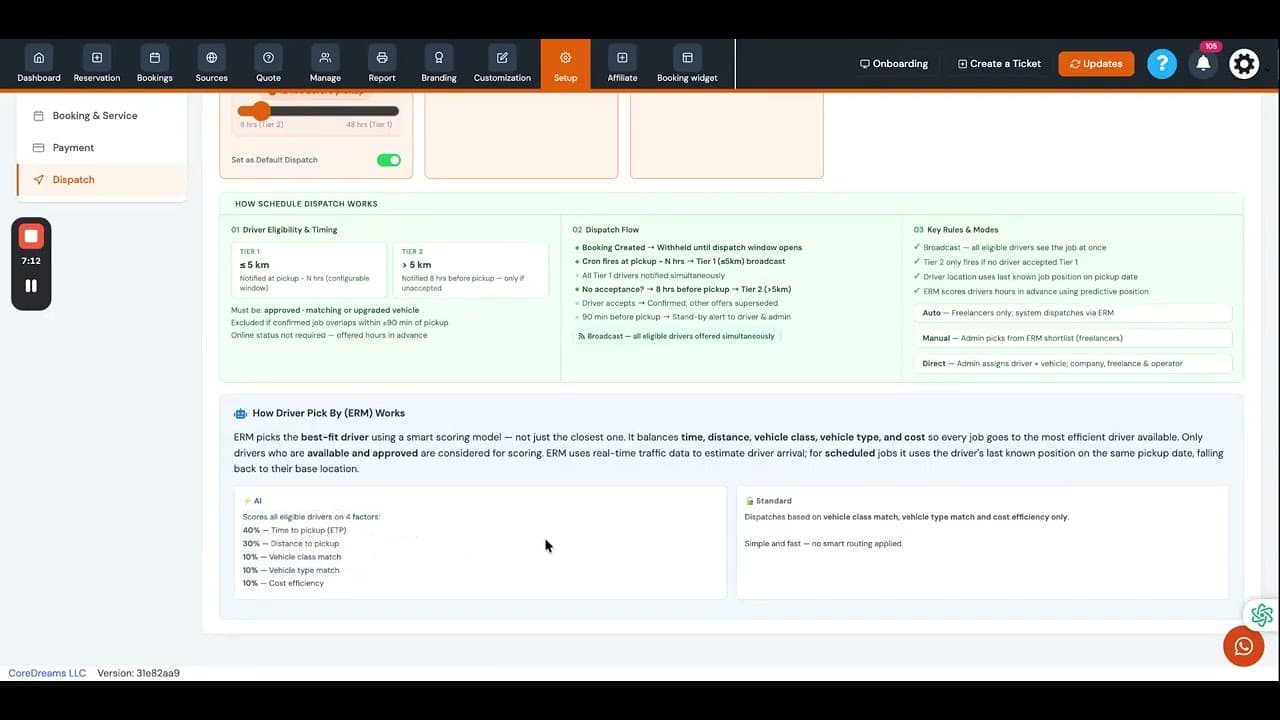
Schedule Booking, dispatch and setup
2026-06-07 06:45
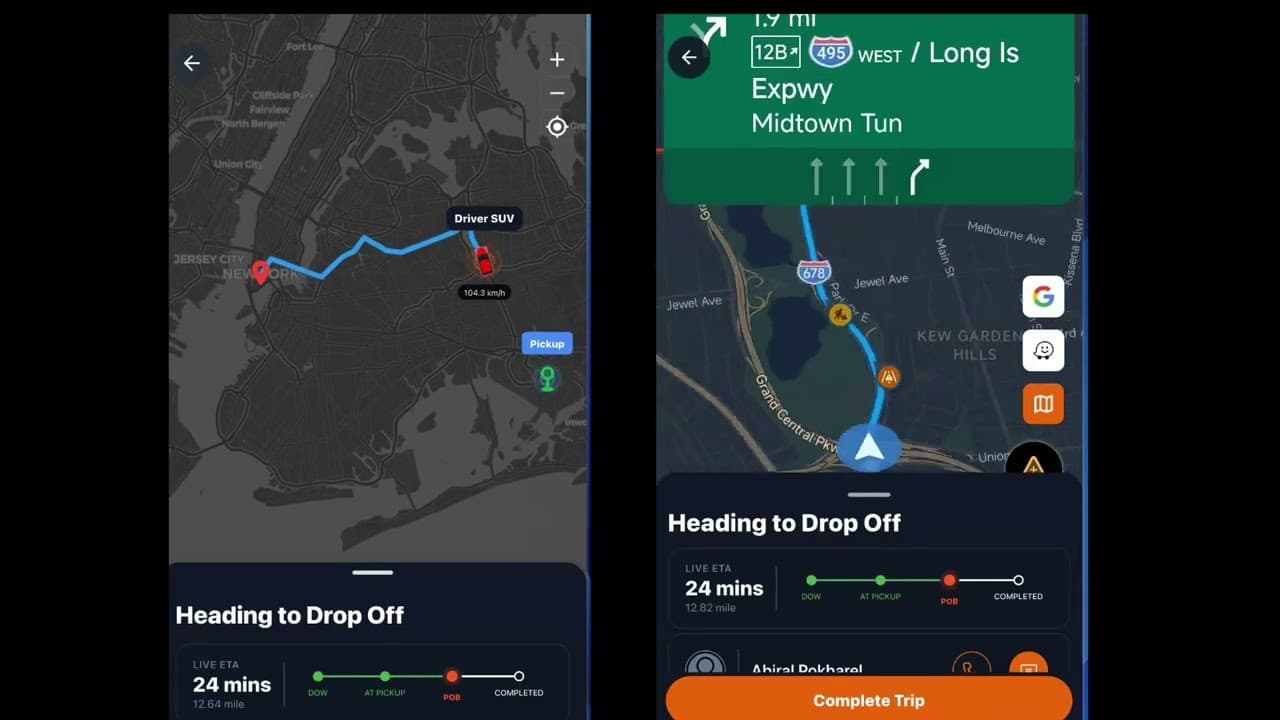
On-Demand and Schedule Job via App
2026-06-07 06:43
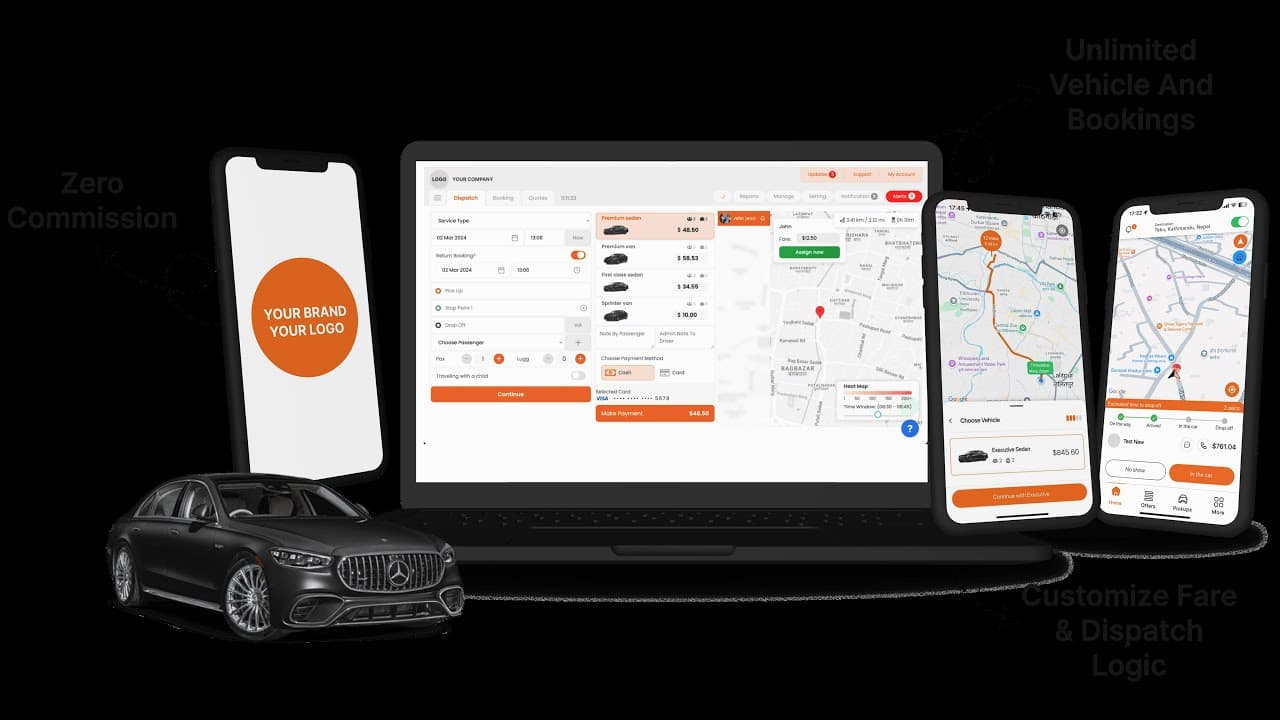
Driver Registration
2026-05-08 11:32
Set up location permissions correctly
2026-05-08 11:30
Driver App Overview
2026-05-08 11:29
Book a Ride
2026-05-08 11:24
Core Training Modules
Everything required to transition your business from pen-and-paper or legacy software to AtoZ Dispatch.
Admin & Dispatcher Panel Training
Covers everything your office staff, fleet managers, and dispatchers need to run operations smoothly.
Driver & Chauffeur App Training
Equips your chauffeurs and drivers to confidently accept rides and navigate routes.
Passenger Booking & Web Portal Training
OptionalEnsure your corporate clients, hotel partners, and retail riders experience effortless booking.
How We Support Your Launch
From initial migration to ongoing refresher courses, our dedicated engineers support your fleet around the clock.
Initial 1-on-1 Onboarding Call
A private session where our product specialist walks through your fleet setup.
24/7 On-Demand Video Library
Ideal for onboarding new staff, hiring drivers, or refreshing skills anytime.
Post-Launch Dedicated Follow-Up
Continuous guidance to make sure your switch or launch succeeds without hitches.
Frequently Asked Questions
Is training included in every plan?
Yes. Training and onboarding are included on every plan. We don't hand you software and leave you to work it out.
Who gets trained?
Your admins and dispatchers, your drivers, and, if you want it, the people who book through your passenger portal, such as corporate clients and hotel partners.
How long is the onboarding call?
The first one-to-one onboarding call takes 30 to 45 minutes. A product specialist walks through your fleet setup and configures your rates, zones, and vehicles with you.
Are there guides my team can use later?
Yes. There are step-by-step video guides and PDF manuals for admins, dispatchers, and drivers, useful when you hire new staff or drivers.
Do you follow up after we launch?
Yes. We check in after your first live bookings and review your early booking reports and driver payouts with you.
Need hands-on training for your dispatchers?
Book a live onboarding walkthrough with our team and get your entire operation up and running fast.